Your business shouldn’t stop when you take a day off.
If you’re the only person who knows how to run payroll, chase an invoice or handle an angry customer, you don’t have a business. You have a job you can’t leave. Every new starter asks the same questions, mistakes repeat, and holidays mean checking your phone on the beach.
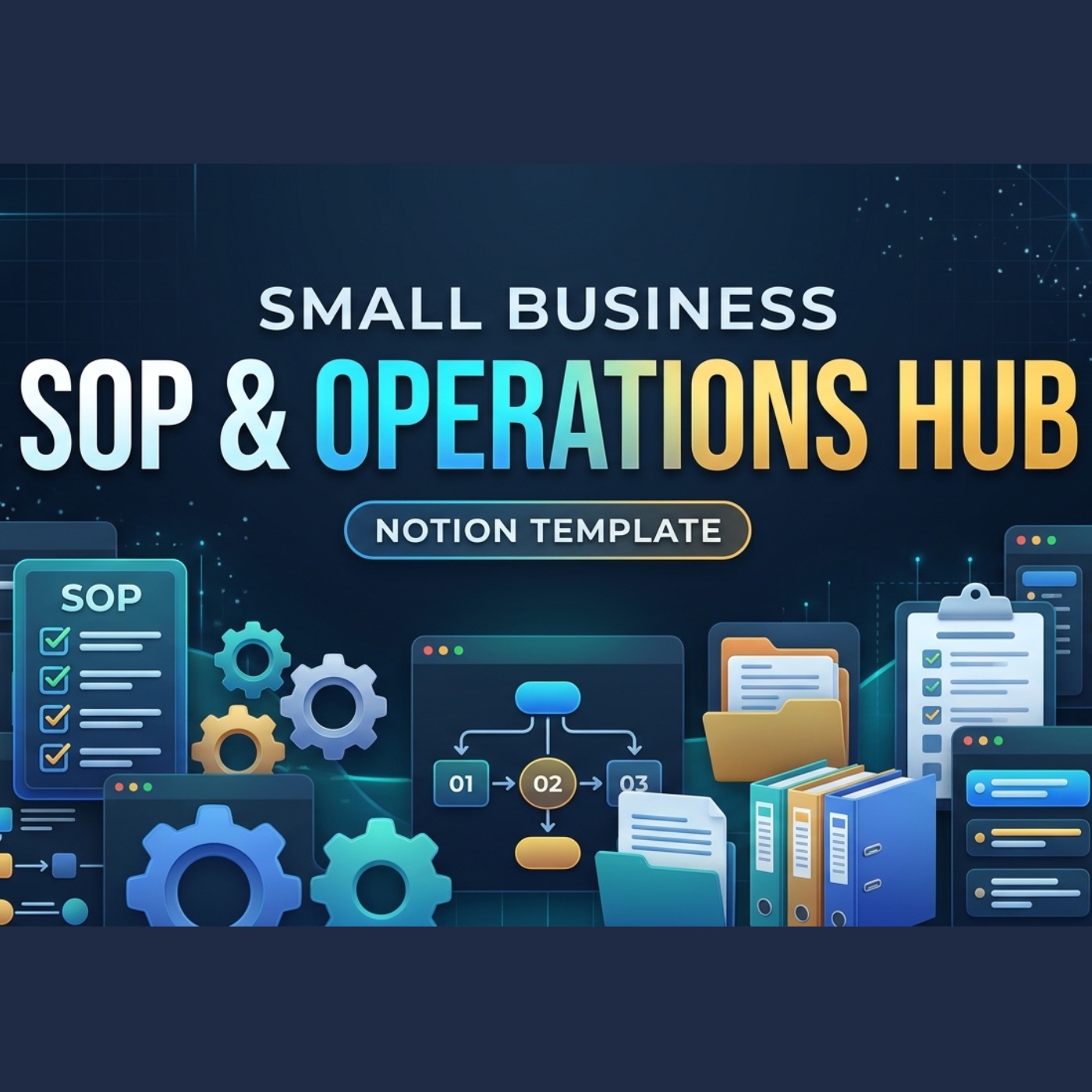
The Small Business SOP & Operations Hub puts every procedure, role and recurring job in one connected Notion workspace, so work gets done the same way whoever is in. It comes with 12 complete SOPs you can edit, not empty boxes.
What’s inside
- SOP Library: every procedure with an owner, department, frequency, priority, version and tools. Each one shows an automatic review status (🟢 up to date, 🟠 due within 30 days, 🔴 overdue), and an approval pipeline takes new SOPs from Draft to In review to Approved.
- Team & Roles: every role, who holds it, who covers for them, hours and responsibilities, the SOPs they own, and handover notes for holidays.
- Recurring Operations: daily, weekly, monthly, quarterly and annual jobs, each linked to its SOP, with the next due date worked out and overdue jobs flagged. Board and calendar views.
- Training Tracker: who’s trained on which SOP, from Not started to Shadowing, Practising and Signed off, with a 12-month refresher date set automatically.
- Tools & Subscriptions: every app you pay for, its annual cost, renewal date, account owner and where the login is stored (never the password itself), with a Keep / Review / Cancel flag.
- Improvement Log: mistakes, near misses, complaints and ideas, each linked to the SOP that needs fixing, with root cause and fix.
12 ready-made SOPs
- Customers: processing a refund, handling a complaint
- Finance: chasing overdue invoices, month-end bookkeeping close, preparing the quarterly VAT return (UK)
- Sales & people: onboarding a new client, onboarding a new team member, offboarding a leaver
- IT & security: weekly backup check, responding to phishing or a data breach
- Operations & marketing: daily opening and closing checks, publishing a social media post
Each SOP has steps, a checklist, a “What can go wrong” table and a revision history. There’s also a blank SOP Template so every new procedure follows the same structure.
Also included
- A home dashboard with this week’s jobs on a board and the SOP review schedule.
- Start here: a 30-minute set-up checklist and a 15-minute weekly routine.
- How to write an SOP people actually follow: 7 rules, a grid for choosing which SOPs to write first, and a starter list.
- Business essentials: one page for company details, key contacts, suppliers, emergency numbers and important dates.
- A sample business filling every database, so you can see how it all connects before making it yours.
Who it’s for
Small business owners, founders making their first hires, agencies, shops, trades, salons, clinics, e-commerce sellers, virtual assistants and operations managers. It’s ideal if you’re hiring, planning to sell the business one day, or just want to stop answering the same questions.
How you get it
Works on Notion’s free plan. You’ll get a PDF with your template link: click it, press Duplicate, and the whole hub copies into your workspace in seconds.
Sample SOPs that mention law (consumer refunds, right to work, VAT, UK GDPR) are practical checklists for UK businesses, not legal advice.
Get the SOP & Operations Hub — £79.99 →