Running more than one channel? This is your command centre.
Your YouTube plan is in one app, your TikTok batch in another, your music licences in a folder somewhere and your sponsor deals in your inbox. Once you’re past one platform, the admin grows faster than your audience.
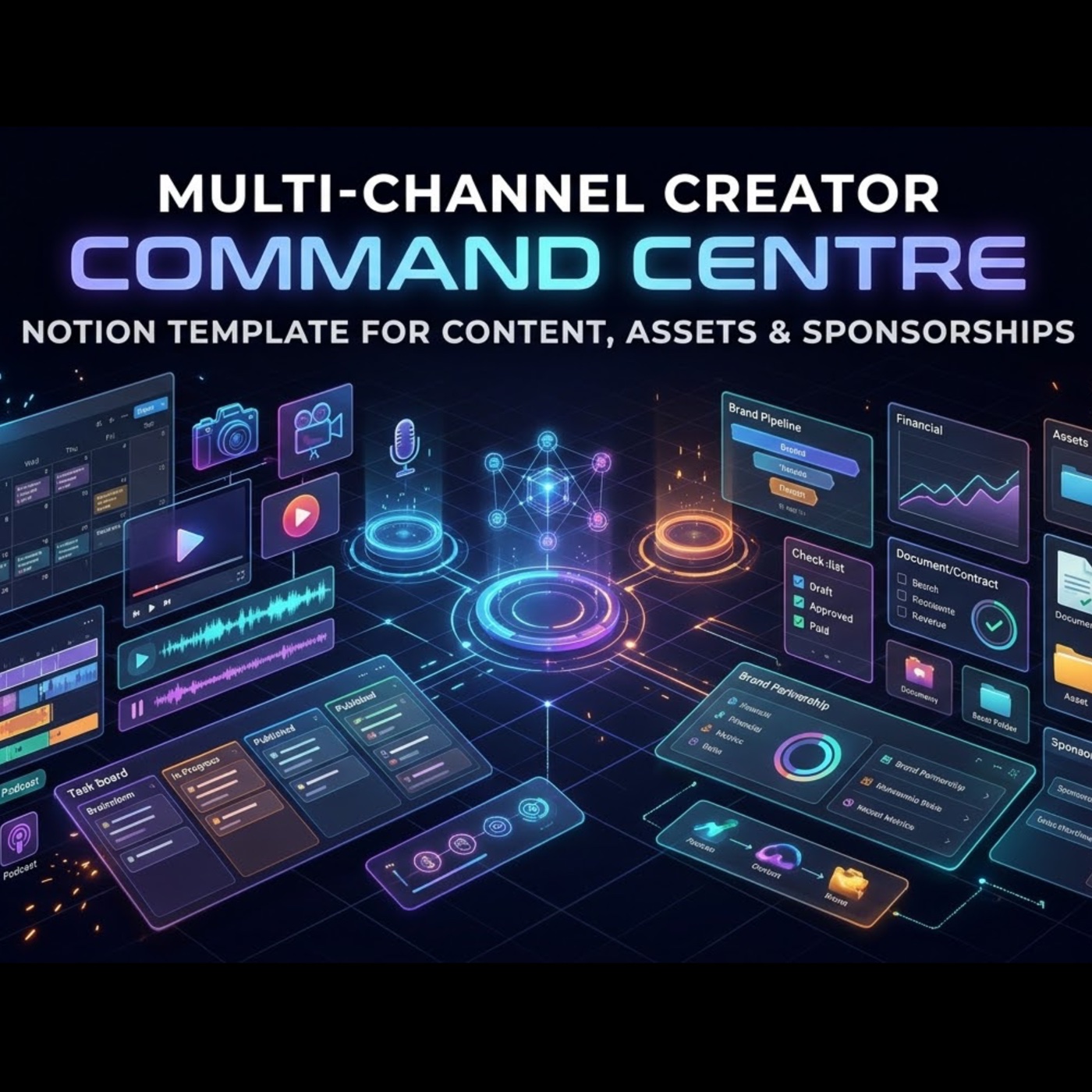
Multi-Channel Creator Command Centre puts all of it in one connected Notion workspace. Every video, asset and sponsor deal links back to the channels it belongs to, and the numbers add themselves up. 5 linked databases, 19 views and 15 automatic calculations.
What’s inside
- Channels: one row per platform account (YouTube, Shorts, TikTok, Instagram, podcast, newsletter and more). Track audience size, average views, posting cadence and your base sponsorship rate. Each channel totals its own content output, sponsor revenue and money still owed.
- Content Pipeline: an 8-stage production board from Idea to Published, a publishing calendar and a chart of output per channel. Each item gets a progress bar and a live countdown that warns you when something is overdue. Link every short back to the long video it was cut from.
- Shared Asset Library: one home for intros, music, B-roll, LUTs, fonts and templates. Tag each asset with every channel that can use it. Licence Watch warns you 30 days before a music or stock licence expires, and you can see every video that used an asset.
Sponsorship Deals and Brands & Contacts: your creator CRM
- A 10-stage deal pipeline from Lead to Paid.
- Follow-up flags (🔴 overdue, 🟠 due soon).
- A Money Owed view where invoices turn red 30 days after you send them.
- Usage rights and exclusivity tracked on every deal.
- Lifetime value per brand.
- Each deal linked to its brand, its channels and the exact videos you owe.
Also included
- A command dashboard showing your channels, everything in production, follow-ups, money owed and expiring licences.
- Sponsor Toolkit: a rate card builder, pitch email, follow-up and late-payment emails, a contract checklist and a delivery checklist.
- A Start Here guide that gets you set up in about 15 minutes.
- Realistic sample data to learn from, easy to delete.
Who it’s for
YouTubers with Shorts or clips channels, podcasters with video spin-offs, TikTok and Reels creators, newsletter writers, small creator teams and creator managers.
How you get it
You get a link to the template. Click Duplicate and it copies into your own Notion workspace, yours to keep and customise. It works on any Notion plan, including Free; a few extras, such as multiple chart views, may need a paid Notion plan. One-time payment, no subscription.
Not affiliated with Notion Labs, Inc.
Get Multi-Channel Creator Command Centre — £99.99 →